✨
推荐官方模型引擎
智谱 GLM 官方公开 API Key 申请与配置指南
1
访问开放平台与注册登录
2
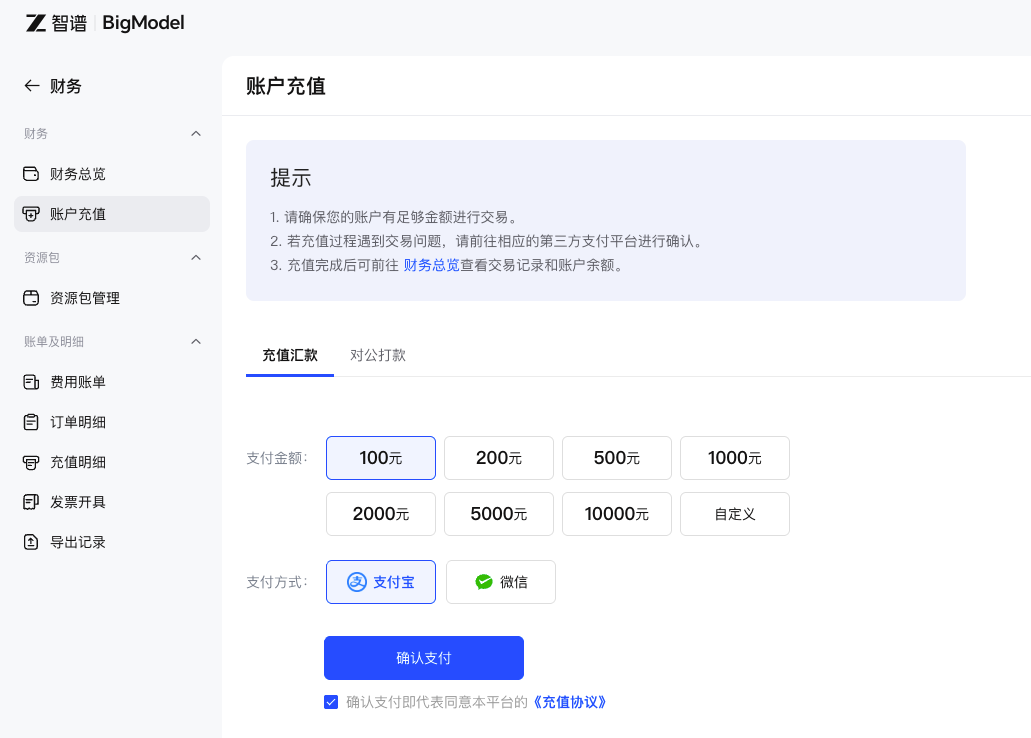
充值账户余额与资源包购买
进入智谱 AI 开放平台【财务中心】或【充值】页面,选择在线充值或购买 Token 资源包,确保账户余额及 API 调用权限充足。
3
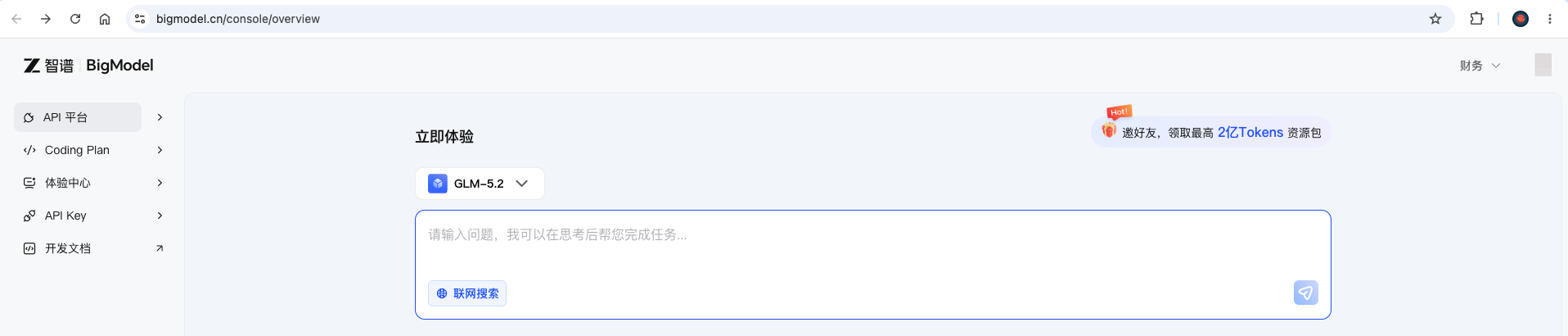
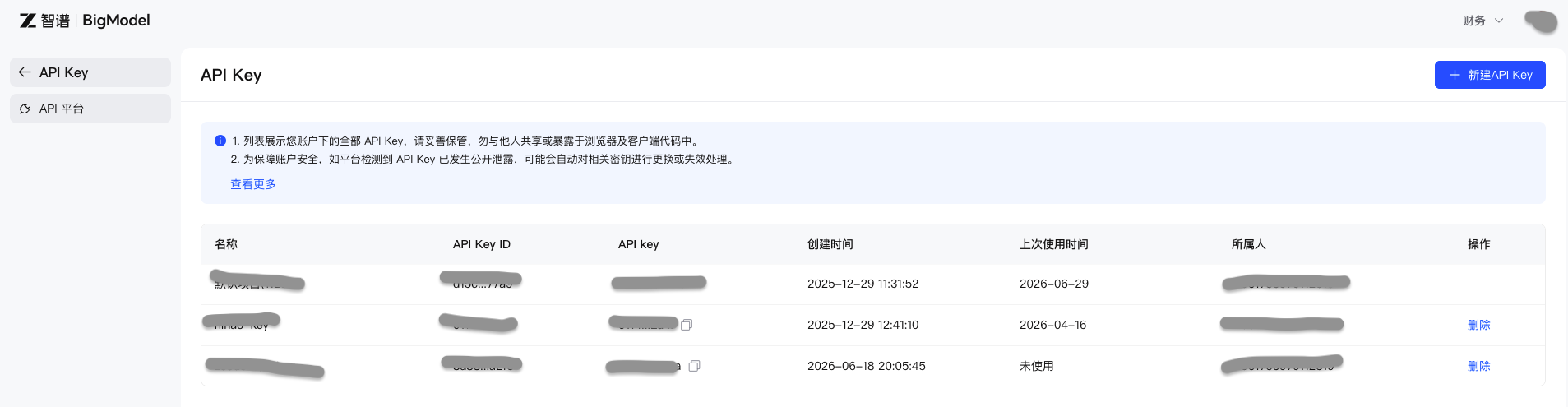
创建 API Key 密钥
进入平台【API Keys】或密钥管理页面,点击【添加新 API Key】生成 API Key,并妥善复制保存秘钥。
⚠️ 注意:密钥仅完整显示一次,请妥善保存在安全的本地存储中。
4
在 SearchDog 中粘贴配置
打开 SearchDog 客户端 -> 【设置】 -> 选择 智谱 AI (GLM) -> 粘贴 API Key 并保存。
AI 模型配置预览
选择并配置你的 AI 模型服务商。聊天、匹配和报告请求会发送到你选择的模型服务商。
当前服务商:
智谱AI (GLM)
授权码 (API Key):
sk-7b2e8f9a••••••••••••••••••••••••9a1f
API 地址:
https://open.bigmodel.cn/api/paas/v4
模型名称:
glm-4-flash